
Chrome Summarizer API 2026: Browser AI Goes Mainstream
Chrome Summarizer API: From Experimental to Production
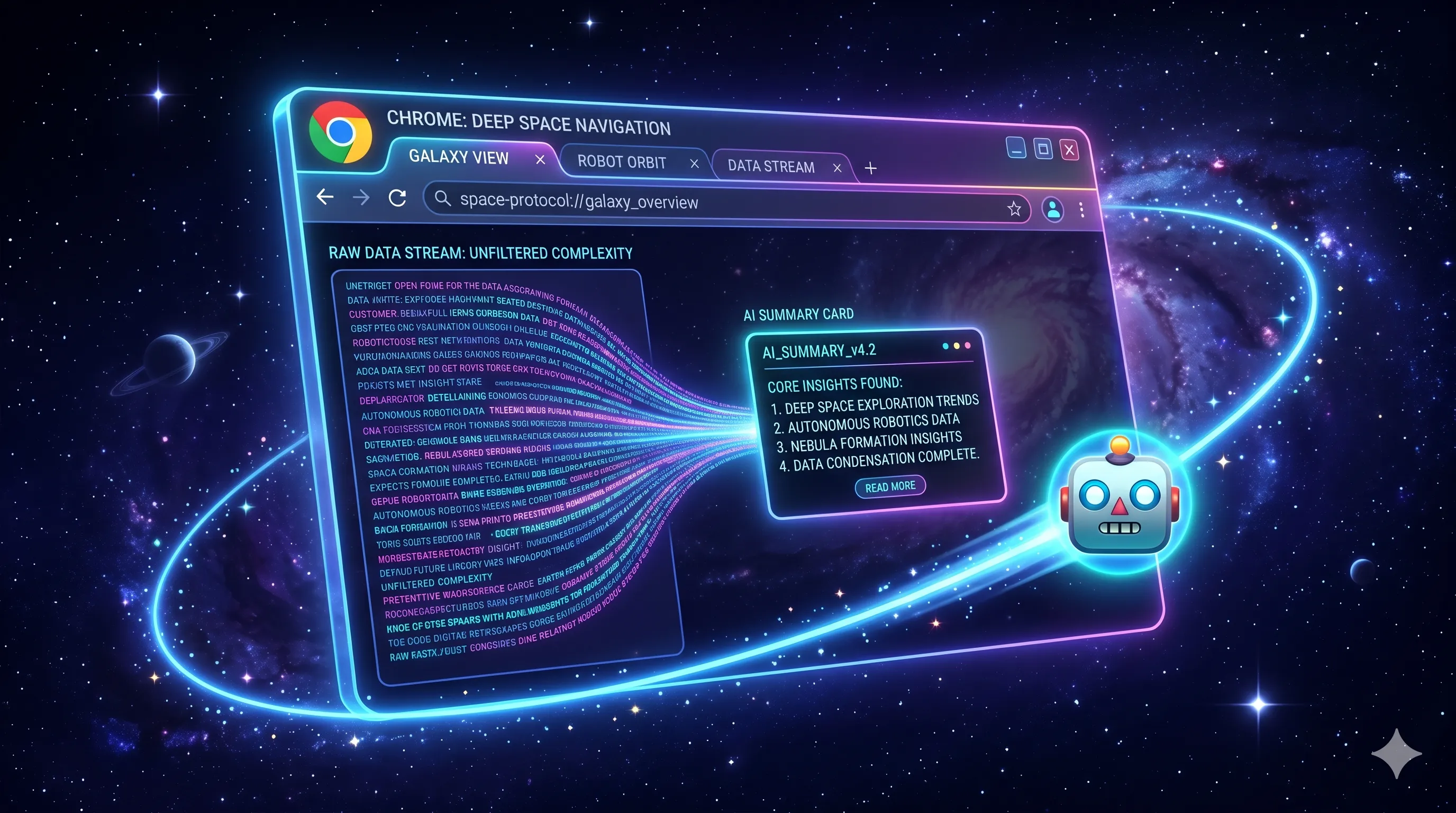
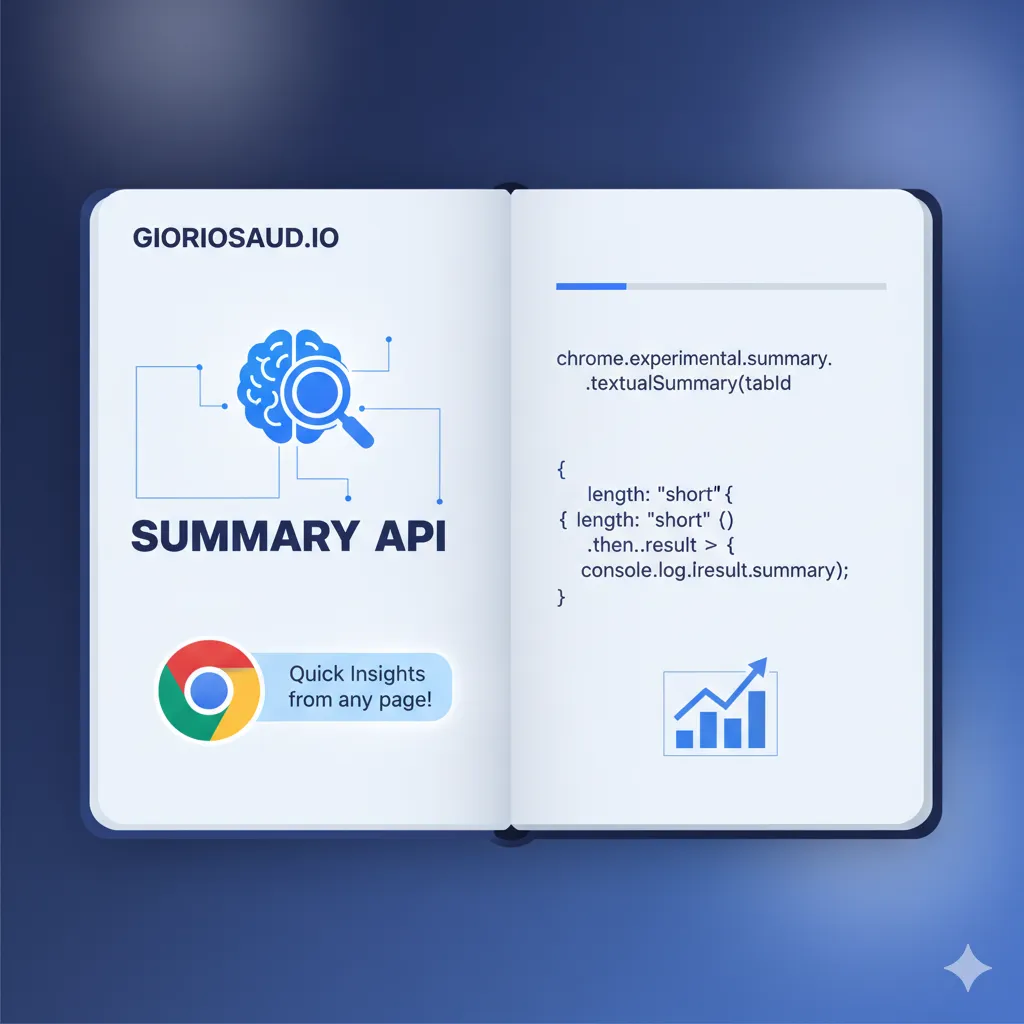
What started as an origin trial in 2024 is now a standard Chrome feature in 2026. The Summarizer API brings AI-powered text summarization directly to the browser - no API keys, no server costs, no data leaving the device.
Availability Status (2026)
| Browser | Status | Notes |
|---|---|---|
| Chrome 131+ | Available | Desktop and Android |
| Edge 131+ | Available | Chromium-based |
| Firefox | Not available | No implementation planned |
| Safari | Not available | Different AI approach |
Key change in 2026: No longer requires flags or origin trials. The API is available to all Chrome users with sufficient hardware.
Hardware Requirements
The Summarizer API requires:
- ~2GB free storage for the model
- 4GB+ RAM recommended
- Model downloads automatically on first use
Feature Detection (2026 Pattern)
async function checkSummarizerAvailability() {
  // Check if API exists
  if (!('ai' in self) || !('summarizer' in self.ai)) {
    return { available: false, reason: 'API not supported' }
  }

  // Check capability status
  const capabilities = await self.ai.summarizer.capabilities()

  switch (capabilities.available) {
    case 'readily':
      return { available: true, reason: 'Ready to use' }

    case 'after-download':
      return {
        available: true,
        reason: 'Model download required',
        needsDownload: true
      }

    case 'no':
      return {
        available: false,
        reason: capabilities.reason || 'Not available on this device'
      }

    default:
      return { available: false, reason: 'Unknown status' }
  }
}
Basic Usage
// Create summarizer instance
const summarizer = await self.ai.summarizer.create({
  type: 'key-points',    // 'key-points' | 'tl;dr' | 'teaser' | 'headline'
  format: 'markdown',    // 'markdown' | 'plain-text'
  length: 'medium',      // 'short' | 'medium' | 'long'
  sharedContext: 'Technical blog post about web development'
})

// Summarize text
const summary = await summarizer.summarize(articleText)
console.log(summary)

// Clean up when done
summarizer.destroy()
Summary Types Explained
key-points
Extracts main points as a bulleted list:
const summarizer = await self.ai.summarizer.create({
  type: 'key-points',
  format: 'markdown'
})
// Output: "- Point one\n- Point two\n- Point three"
tl;dr
Condensed paragraph summary:
const summarizer = await self.ai.summarizer.create({
  type: 'tl;dr',
  length: 'short'
})
// Output: "Brief paragraph summarizing the content..."
teaser
Engaging preview to encourage reading:
const summarizer = await self.ai.summarizer.create({
  type: 'teaser'
})
// Output: "Discover how... Learn why..."
headline
Single-line title:
const summarizer = await self.ai.summarizer.create({
  type: 'headline'
})
// Output: "New CSS Features Transform Web Development"
Streaming Responses
For long content, use streaming:
const summarizer = await self.ai.summarizer.create({
  type: 'key-points',
  format: 'markdown'
})

const stream = await summarizer.summarizeStreaming(longArticle)

for await (const chunk of stream) {
  // Update UI progressively
  outputElement.textContent += chunk
}
Shared Context for Better Results
The sharedContext option improves summary quality:
// For a cooking blog
const summarizer = await self.ai.summarizer.create({
  type: 'key-points',
  sharedContext: 'Recipe instructions for home cooks'
})

// For technical documentation
const summarizer = await self.ai.summarizer.create({
  type: 'tl;dr',
  sharedContext: 'Technical documentation for React developers'
})

// For news articles
const summarizer = await self.ai.summarizer.create({
  type: 'headline',
  sharedContext: 'Breaking news article'
})
Production Pattern: Lazy Loading
Don’t load the summarizer until needed:
let summarizerInstance = null

async function getSummarizer() {
  if (summarizerInstance) return summarizerInstance

  const { available } = await checkSummarizerAvailability()
  if (!available) return null

  summarizerInstance = await self.ai.summarizer.create({
    type: 'key-points',
    format: 'markdown',
    length: 'medium'
  })

  return summarizerInstance
}

// Usage
document.querySelector('#summarize-btn').addEventListener('click', async () => {
  const summarizer = await getSummarizer()
  if (!summarizer) {
    showFallbackUI()
    return
  }

  const summary = await summarizer.summarize(getArticleText())
  displaySummary(summary)
})
Handling Model Download
For first-time users:
async function initializeSummarizer(onProgress) {
  const capabilities = await self.ai.summarizer.capabilities()

  if (capabilities.available === 'no') {
    throw new Error('Summarizer not available')
  }

  const summarizer = await self.ai.summarizer.create({
    type: 'key-points',
    format: 'markdown'
  })

  // Monitor download progress if needed
  if (capabilities.available === 'after-download') {
    summarizer.addEventListener('downloadprogress', (e) => {
      const percent = Math.round((e.loaded / e.total) * 100)
      onProgress?.(percent)
    })

    // Wait for model to be ready
    await summarizer.ready
  }

  return summarizer
}

// Usage with progress UI
const summarizer = await initializeSummarizer((percent) => {
  progressBar.style.width = `${percent}%`
  progressText.textContent = `Downloading AI model: ${percent}%`
})
Multilingual Support
The API handles multiple languages:
// Summarizer auto-detects language
const summarizer = await self.ai.summarizer.create({
  type: 'key-points',
  sharedContext: 'Artículo técnico sobre desarrollo web' // Spanish context
})

const spanishSummary = await summarizer.summarize(spanishArticle)
Error Handling
async function safeSummarize(text) {
  try {
    const summarizer = await getSummarizer()
    if (!summarizer) {
      return { success: false, error: 'Summarizer not available' }
    }

    const summary = await summarizer.summarize(text)
    return { success: true, summary }

  } catch (error) {
    if (error.name === 'NotSupportedError') {
      return { success: false, error: 'Feature not supported' }
    }
    if (error.name === 'QuotaExceededError') {
      return { success: false, error: 'Storage quota exceeded' }
    }
    return { success: false, error: error.message }
  }
}
Graceful Degradation
Always provide a fallback:
async function getArticleSummary(text) {
  // Try browser AI first
  const summarizer = await getSummarizer()
  if (summarizer) {
    return await summarizer.summarize(text)
  }

  // Fall back to server-side summarization
  const response = await fetch('/api/summarize', {
    method: 'POST',
    body: JSON.stringify({ text })
  })
  const { summary } = await response.json()
  return summary
}
Real Implementation Example
From this site’s AI summarizer:
class ArticleSummarizer {
  #summarizer = null
  #isReady = false

  async initialize() {
    if (!('ai' in self) || !('summarizer' in self.ai)) {
      return false
    }

    const caps = await self.ai.summarizer.capabilities()
    if (caps.available === 'no') return false

    this.#summarizer = await self.ai.summarizer.create({
      type: 'key-points',
      format: 'markdown',
      length: 'medium',
      sharedContext: 'Web development blog article'
    })

    if (caps.available === 'after-download') {
      await this.#summarizer.ready
    }

    this.#isReady = true
    return true
  }

  async summarize(text) {
    if (!this.#isReady) {
      throw new Error('Summarizer not initialized')
    }
    return await this.#summarizer.summarize(text)
  }

  destroy() {
    this.#summarizer?.destroy()
    this.#summarizer = null
    this.#isReady = false
  }
}
Key Takeaways
- No API costs - On-device AI, no server required
- Privacy first - Data never leaves the browser
- Four summary types - key-points, tl;dr, teaser, headline
- Streaming support - Progressive output for long content
- Always fallback - Not all users have compatible hardware
The Chrome Summarizer API represents a shift toward on-device AI. In 2026, it’s mature enough for production use - just remember to always provide fallbacks for users without support.
Also see: Browser-Native AI: Building with Chrome’s Summarizer API — how to implement it on a real site with lazy loading, streaming, and multi-language support.
Comments for chrmsm