
Chrome Built-in AI: The Summarizer API
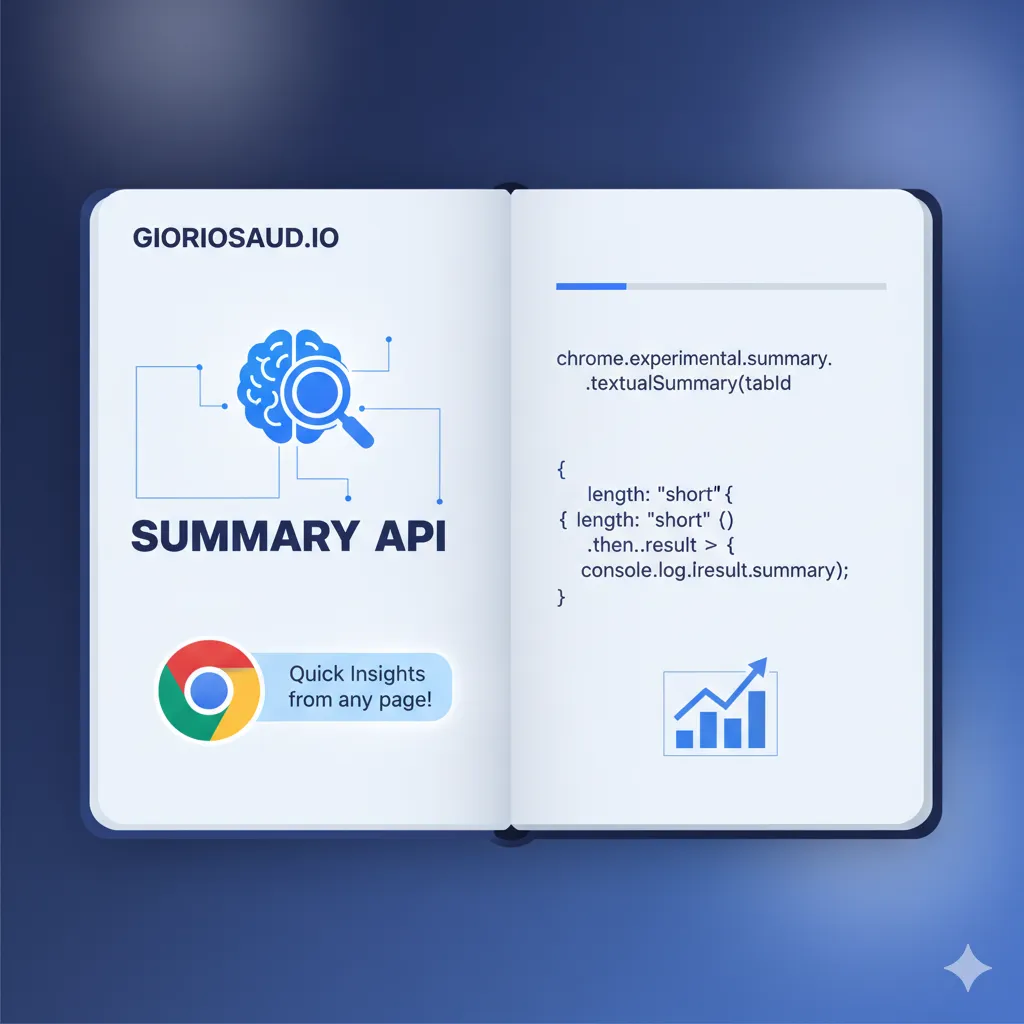
So you’ve probably noticed the 🤖 button floating on this page. That’s Chrome’s built-in Summarizer API in action — no server, no API key, the model runs entirely on your device. I thought it was worth writing about because it changes how we think about adding AI to the web.
What’s going on here?
Chrome 131 shipped a set of experimental AI APIs that run models locally using Gemini Nano. No network request, no cost per token, no data leaving the device. The Summarizer is the first one that felt practical enough to actually use.
The basic usage is pretty straightforward:
if ('Summarizer' in self) {
  const summarizer = await Summarizer.create({
    type: 'key-points',
    format: 'markdown',
    length: 'medium',
    expectedInputLanguages: ['en'],
    expectedOutputLanguage: 'en',
  })

  const summary = await summarizer.summarize(document.body.innerText)
}
That’s it. No imports, no auth, just a native browser API.
The streaming version is better
Waiting for the full summary to generate before showing anything feels bad. The streaming API fixes that — same for await...of pattern you’d use with any LLM stream:
const stream = summarizer.summarizeStreaming(text)
let result = ''

for await (const chunk of stream) {
  result += chunk
  outputEl.innerHTML = marked.parse(result) // render as it comes in
}
The user sees it build up word by word. Much better experience.
A few things I learned the hard way
Pass options to availability() too. The API won’t just check if the model exists — it checks if it supports your specific configuration. If you skip the options, Chrome throws a warning and the check isn’t accurate:
const options = {
  type: 'key-points',
  format: 'markdown',
  length: 'medium',
  expectedOutputLanguage: 'en',
}

// Pass the same options here, not just to create()
const availability = await Summarizer.availability(options)

if (availability === 'unavailable') return
// "downloadable" means first-time download — still works, just slower

const summarizer = await Summarizer.create(options)
sharedContext is where you set the tone. This is basically your system prompt — use it to tell the model what kind of content it’s summarizing and how to respond:
const summarizer = await Summarizer.create({
  sharedContext: 'A frontend development blog. Keep it informal but technically precise.',
  type: 'key-points',
  format: 'markdown',
  length: 'medium',
  expectedOutputLanguage: 'en',
})
Lazy-load your markdown renderer. Don’t bundle marked on page load — most users won’t click the button. Only import it when they do:
button.addEventListener('click', async () => {
  const { marked } = await import('https://cdn.jsdelivr.net/npm/marked/lib/marked.esm.js')
  // now use it
})
How to enable it
The API is behind a flag for now:
- Open
chrome://flags - Search for Summarization API for Gemini Nano
- Enable it and relaunch
Chrome will download Gemini Nano in the background — a few hundred MB, one-time. After that it’s instant.
Why this matters
The usual AI integration story is: pick a provider, set up billing, handle API keys, deal with latency, worry about what data you’re sending. This skips all of that.
For use cases where privacy matters — summarizing a private document, processing notes you don’t want on a server — on-device is the only real option. And for everyone else, free and instant is hard to argue with.
The tradeoff is obvious: Chrome only, flag required for now. So always treat it as progressive enhancement:
async function addSummaryFeature() {
  if (!('Summarizer' in self)) return // silent no-op on Firefox, Safari, etc.

  const availability = await Summarizer.availability({ expectedOutputLanguage: 'en' })
  if (availability === 'unavailable') return

  // safe to proceed
}
Users without it get the normal experience. Users with it get something extra.
What’s coming next
The Summarizer is just the first. Chrome’s built-in AI roadmap also includes a Translator API, Language Detector, Writer/Rewriter, and a general-purpose Prompt API for direct access to Gemini Nano. All experimental, all worth watching.
The browser becoming an AI runtime is a bigger shift than it sounds. Worth keeping an eye on.
See it in action: if you’re on Chrome with the flag enabled, hit the 🤖 button on this page and let it summarize this article.
Comments for chrmbl