
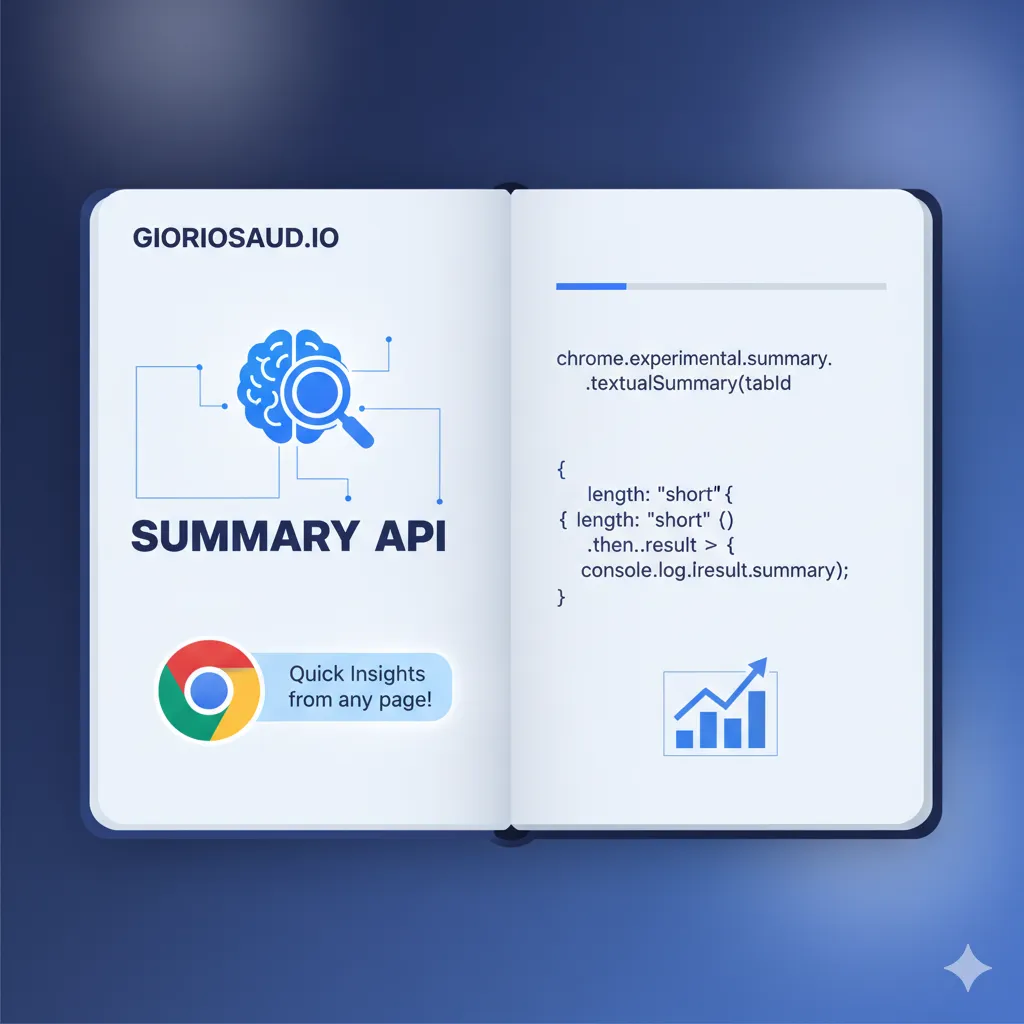
Browser Native AI: Chrome's Summarizer API
Why Browser-Native AI Matters
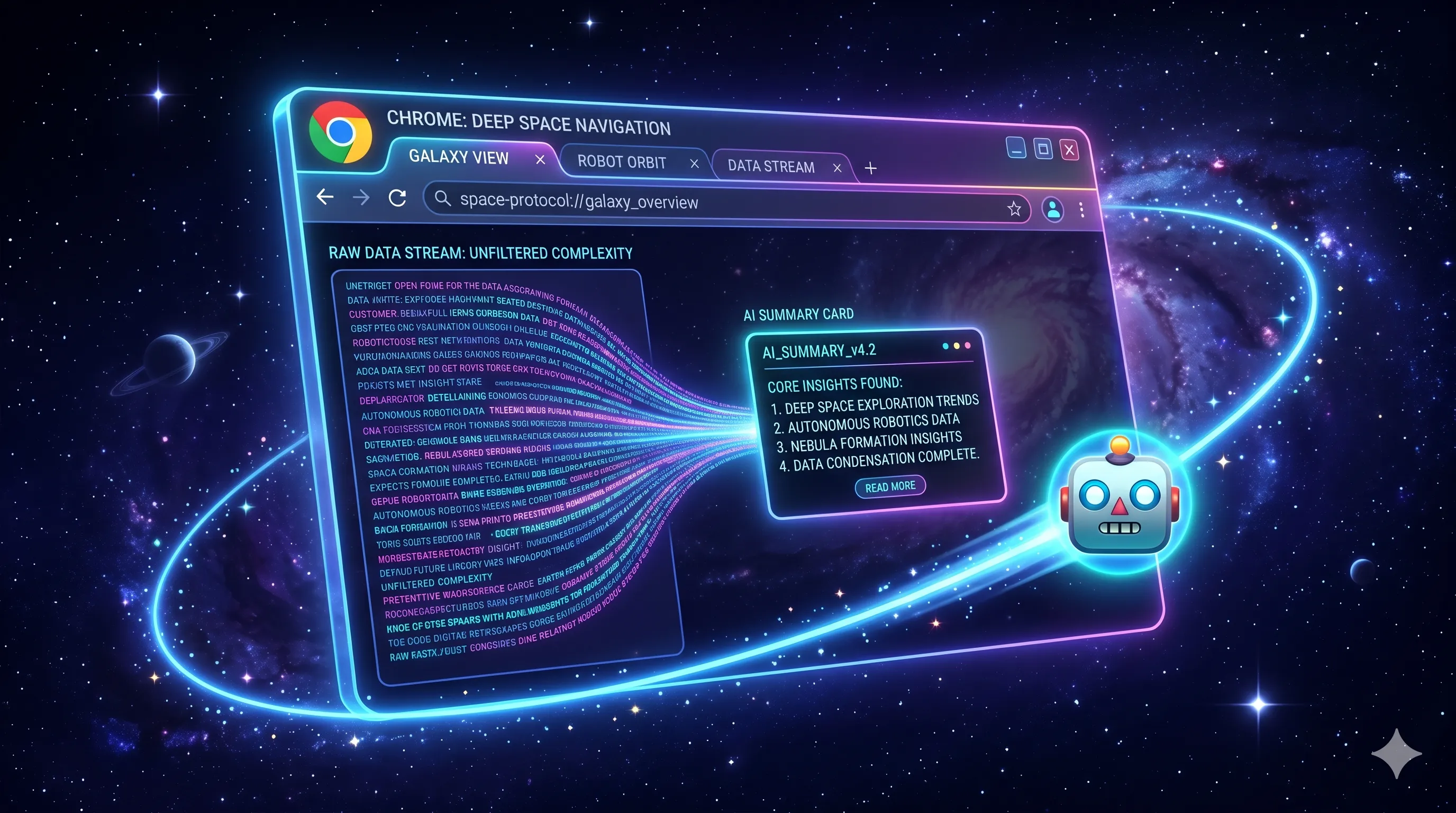
Imagine generating AI summaries without paying for API calls, without sending user data to external servers, and with zero latency from network round-trips. That’s exactly what Chrome’s Summarizer API offers - AI capabilities running directly in the browser.
In this note, I’ll show you how I implemented this on my own site (yes, the floating robot button you see on this page!), including patterns for lazy loading, streaming responses, and multi-language support.
Feature Detection First
The Summarizer API is still rolling out, so always check for availability:
if ("Summarizer" in self) {
  // API is available
  const availability = await Summarizer.availability();

  if (availability === "available") {
    // Ready to use immediately
  } else if (availability === "downloadable") {
    // Model needs to download first
  } else {
    // Not supported on this device
  }
}
This three-tier availability check is crucial - even if the API exists, the model might need downloading or the device might not support it.
Lazy Loading Dependencies
One pattern I’m particularly proud of is lazy loading the marked library only when the user actually clicks the summarize button:
// Cache for lazy-loaded marked library
let markedModule = null;

async function getMarked() {
  if (!markedModule) {
    const module = await import(
      "https://cdn.jsdelivr.net/npm/marked/lib/marked.esm.js"
    );
    markedModule = module.marked;
  }
  return markedModule;
}
This saves ~30KB on initial page load. The library only loads when someone actually wants a summary - which might be never for most visitors.
Creating the Summarizer with Context
The real power comes from the configuration options:
const summarizer = await Summarizer.create({
  sharedContext:
    "This is a technical article for frontend developers. " +
    "Use the same language as the input text. " +
    "The tone should be less formal but technical.",
  type: "teaser",        // "teaser", "key-points", "headline", or "tl;dr"
  format: "markdown",    // Output format
  length: "medium",      // "short", "medium", or "long"
  expectedInputLanguages: ["en"],
  outputLanguage: "en",
  monitor(m) {
    m.addEventListener("downloadprogress", (e) => {
      console.log(`Downloaded ${e.loaded * 100}%`);
    });
  },
});
The sharedContext is powerful - it guides the AI to understand what kind of content it’s summarizing and how to respond.
Streaming for Better UX
Instead of waiting for the entire summary, stream it chunk by chunk:
const text = document.getElementById("content").innerText;
const summary = await summarizer.summarizeStreaming(text);

let result = "";
for await (const chunk of summary.values()) {
  result += chunk;
  // Parse and display incrementally
  summaryContent.innerHTML = marked.parse(result);
}
This creates a typewriter effect where users see the summary building in real-time, rather than staring at a loading spinner.
Multi-Language Support
For bilingual sites, handle language detection dynamically:
const i18n = {
  en: {
    buttonTitle: "Generate summary",
    loading: "Generating Summary...",
    unavailable: "The summarization API is not available in this browser.",
    inputLang: "en",
    outputLang: "en",
  },
  es: {
    buttonTitle: "Generar resumen",
    loading: "Generando resumen...",
    unavailable: "La API de resumen no está disponible en este navegador.",
    inputLang: "es",
    outputLang: "es",
  },
};

// Pass language context to the summarizer
const options = {
  expectedInputLanguages: [t.inputLang],
  outputLanguage: t.outputLang,
  // ...
};
CSS Anchor Positioning for the Modal
The modal positioning uses CSS Anchor Positioning for a clean, JS-free approach:
.summary-bubble {
  position: fixed;
  bottom: 2rem;
  right: 2rem;
  anchor-name: --summary-bot;
}

.summary-modal {
  position: fixed;
  position-anchor: --summary-bot;
  position-area: top left;
  max-width: 400px;
}
The modal automatically positions itself relative to the button without any JavaScript calculations.
Complete Implementation Pattern
Here’s how it all comes together in an Astro component:
---
interface Props {
lang?: "en" | "es";
}
const { lang = "en" } = Astro.props;
---
<button id="summary-btn" class="summary-bubble" hidden>
<span>🤖</span>
</button>
<div id="summary-modal" class="summary-modal" hidden>
<button id="close-modal">×</button>
<div id="summary-content"></div>
</div>
<script define:vars={{ lang }}>
if ("Summarizer" in self) {
const btn = document.getElementById("summary-btn");
btn.hidden = false; // Only show if API available
btn.addEventListener("click", async () => {
// Lazy load, create summarizer, stream results...
});
}
</script>Browser Support (2026)
As of early 2026:
- Chrome 131+: Full support with downloadable models
- Edge 131+: Same as Chrome (Chromium-based)
- Firefox: Not yet supported
- Safari: Not yet supported
Always implement graceful degradation - hide the feature entirely if unavailable rather than showing error states.
Key Takeaways
- Zero API costs - The AI runs locally in the browser
- Privacy-first - No data sent to external servers
- Lazy load everything - Don’t load dependencies until needed
- Stream responses - Better UX than waiting for complete results
- Feature detect - Hide the feature if unavailable, don’t show errors
The Summarizer API represents a shift toward browser-native AI capabilities. While support is still limited, implementing it now with proper fallbacks prepares your site for when it becomes widely available.
Try it now! If you’re on a supported browser, click the floating robot button in the bottom right corner of this page to see it in action.
Also see: Chrome Summarizer API: From Experimental to Production — browser support status, hardware requirements, and a full class-based implementation.
Comments for brwsrn